

Image to Draft to 1080p
- Template
- Image to Draft to 1080p, in the ComfyUI template browser under BytePlus
- Workflow file
- Image to Draft to 1080p.json
- BytePlus nodes
- Seedance 2.5 Reference to Video, Seedance 2.5 Draft to Final Video
- Keys needed
- ModelArk API key
- Also uses
- Load Image, MarkdownNote, Save Video (built into ComfyUI)
What it makes
Section titled “What it makes”A reviewed draft becomes a 1080p video. Your image guides the subject and style. Seedance 2.5 Draft creates a 480p preview, then Draft to Final keeps its scene and motion in the final render.
The workflow
Section titled “The workflow”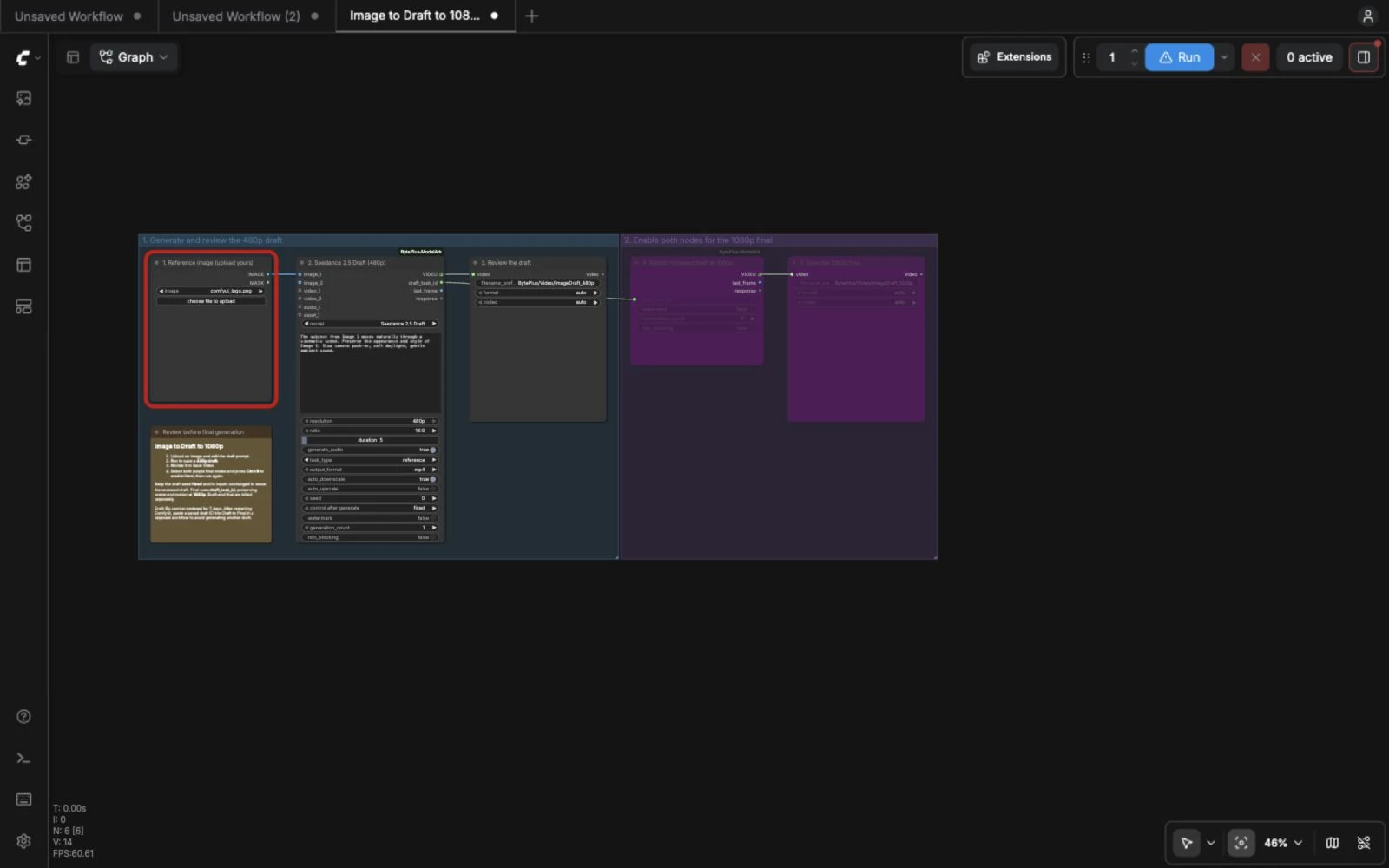
- Load Image supplies your character or style reference.
- Seedance 2.5 Reference to Video uses
Seedance 2.5 Draft, 480p, 16:9 and 5 seconds. - Save Video saves and displays the draft for review.
- Draft to Final Video receives
draft_task_idand renders at 1080p. The final stage starts bypassed. - A second Save Video saves and displays the final.
Run it
Section titled “Run it”- Set your ModelArk API key in Settings → BytePlus (API keys).
- Open Image to Draft to 1080p, upload your image and edit the prompt.
- Run and review the draft in Save Video.
- Select both purple final nodes and press Ctrl+B to enable them. Run again with the draft inputs unchanged.
- Keep the draft seed control on
fixedto reuse the cached draft. To revise the shot, bypass both final nodes again before changing the image, prompt or seed.
Settings worth changing
Section titled “Settings worth changing”- Prompt: refer to your subject as Image 1 and describe motion, camera and sound.
- Ratio and duration: set these in the draft; the final inherits them.
- Seed: keep
fixedduring review and final generation. Change the seed deliberately for a new draft. - Model: keep
Seedance 2.5 Draftfor a 1080p final. Premium drafts render at 4k. - Audio: the final inherits the draft’s audio setting.
Example result
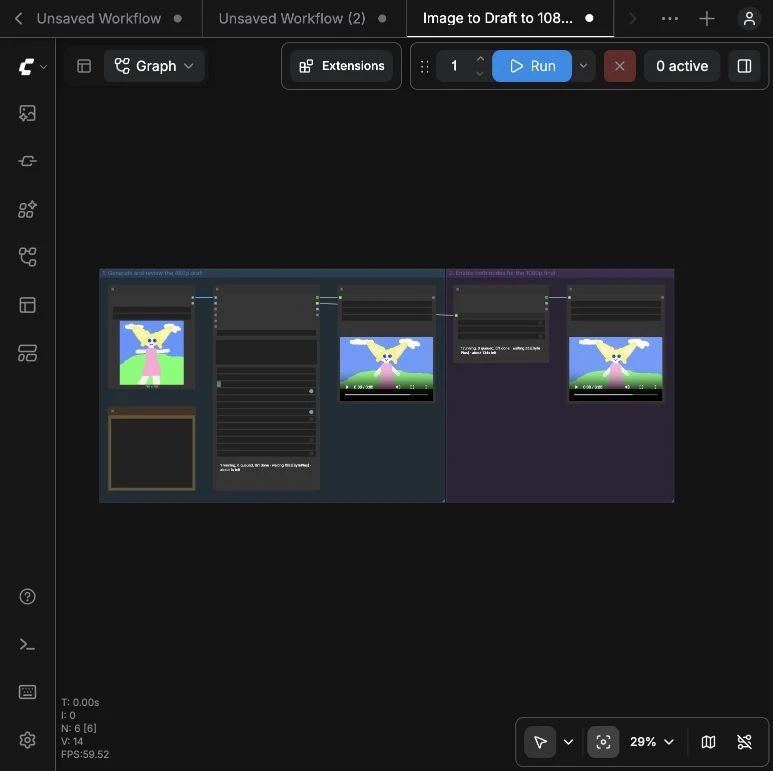
Section titled “Example result”This example uses ComfyUI’s bundled illustrated character image. The draft is 854 × 480 and the final is 1920 × 1080. Both are 24 fps, about five seconds long, with audio.
Time and cost
Section titled “Time and cost”Draft and final are separate billed tasks. The final nodes start bypassed, so the first run requests only the draft. An unchanged draft with a fixed seed is reused from ComfyUI’s cache. Restarting ComfyUI clears that cache; use a saved draft task ID in a separate Draft to Final workflow to render an existing draft without requesting another. Draft tasks can be rendered for seven days.