Templates
The templates install with the pack. To open one, use ComfyUI’s template browser, pick a BytePlus workflow and press Run. Most templates end in a Save node that keeps the result in your output folder. The others only show it in a preview node, so add a Save node if you want to keep it.
Each template needs the keys of the services it uses. The facts box at the top of every template page lists them, and API keys shows where to create each one. Workflows contain no keys: they come from Settings → BytePlus.
Running a template bills your BytePlus account, so check Billing and cost first.
Templates show current models only. The Seedance 1.0 nodes, the older Seedream 4.5 and 4.0 options and the Seed Speech 1.0 models (seed-tts-1.0, seed-icl-1.0, seed-asr-1.0) stay in the pack, but no template uses them.
Start here
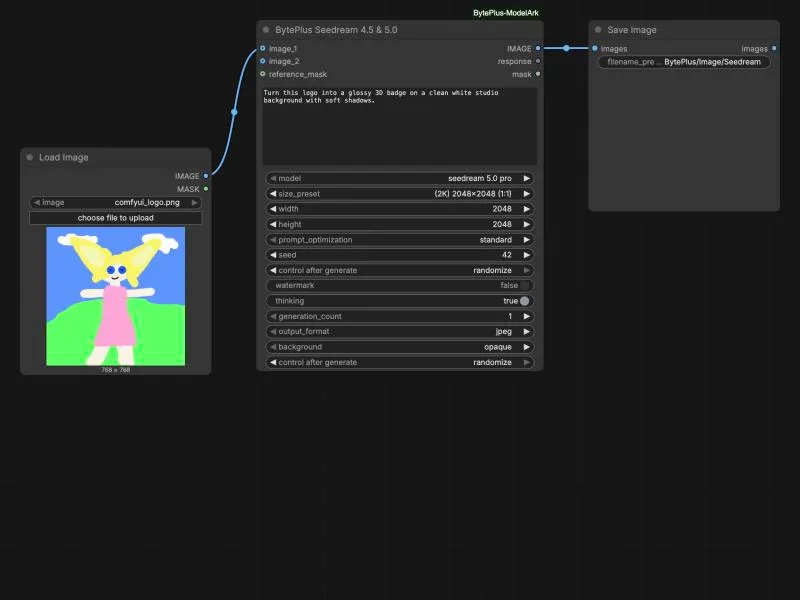
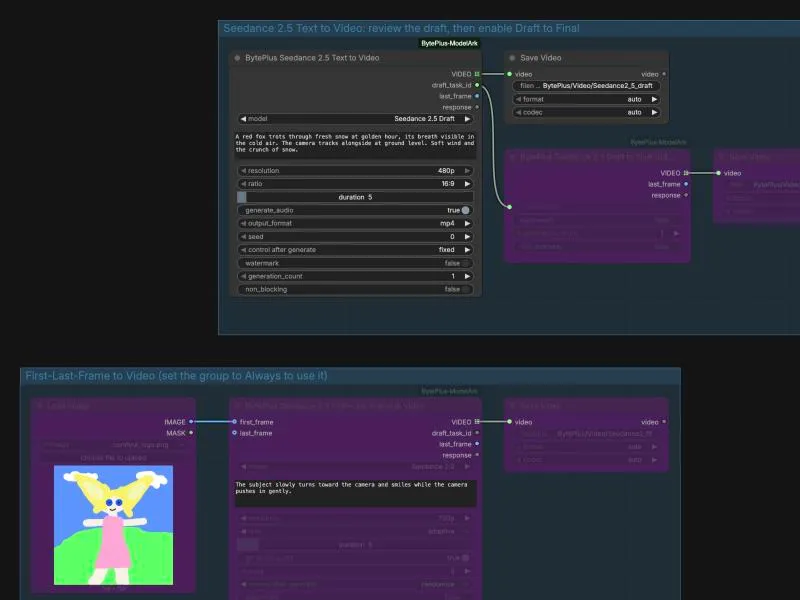
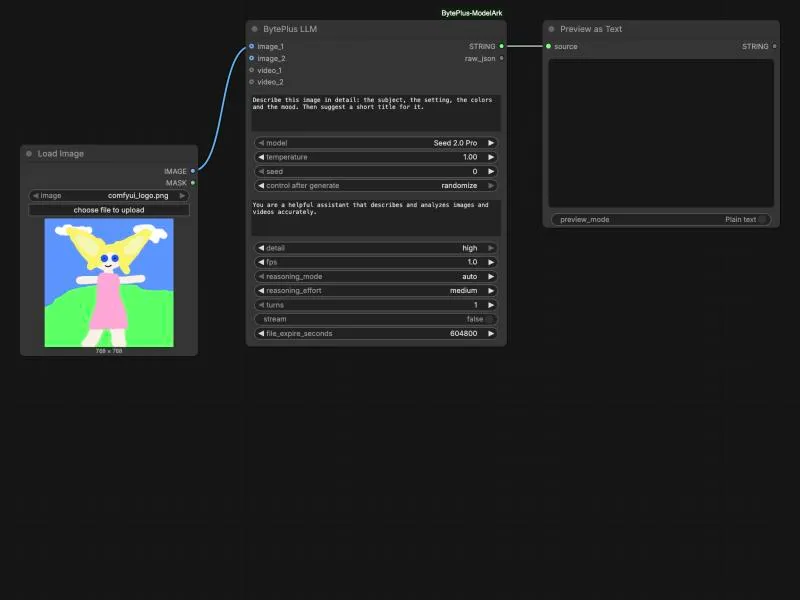
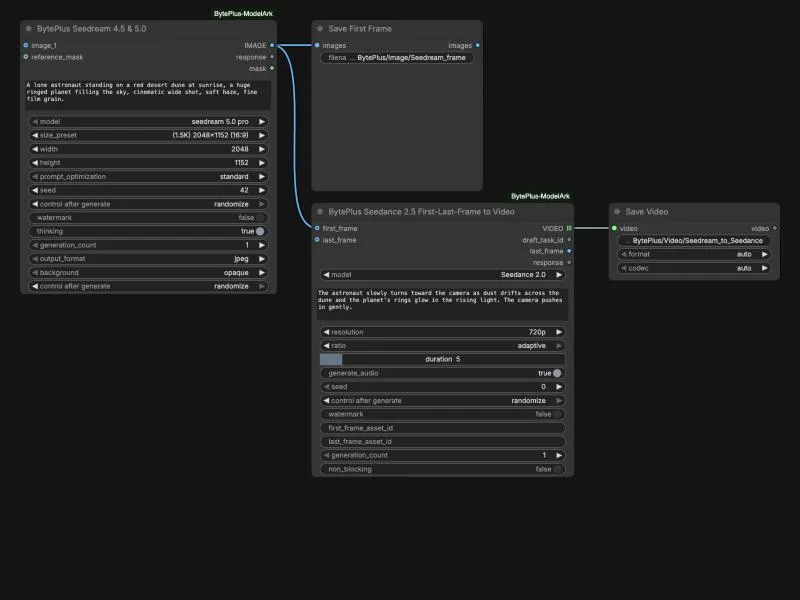
Section titled “Start here”One template each for images (Seedream), video (Seedance 2) and language (Seed), and one that chains an image into a video. Run these first to check that your key works.
Images
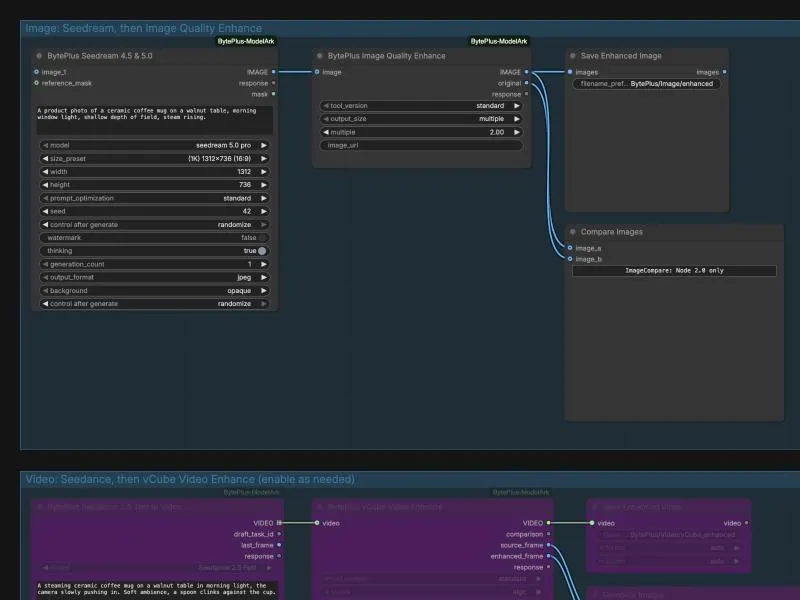
Section titled “Images”Layer separation, image enhancement, and a generate-then-enhance flow for an image or a video.
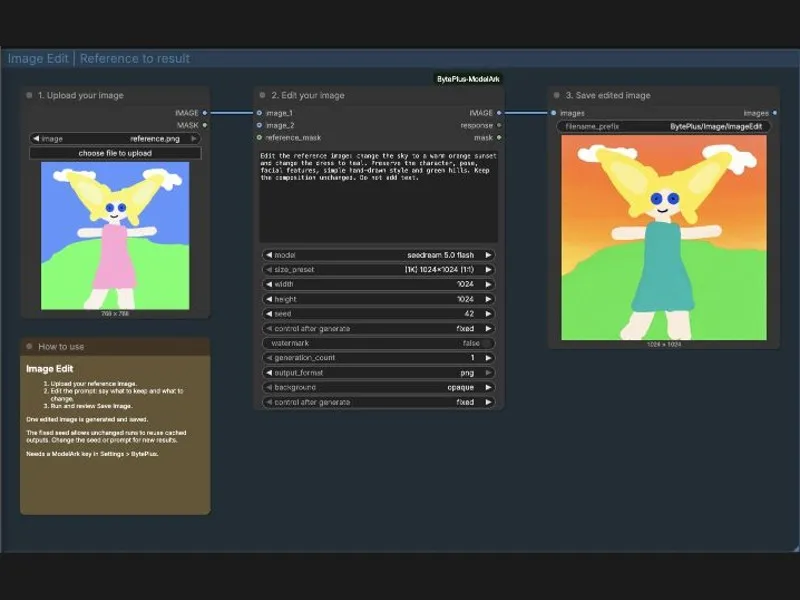
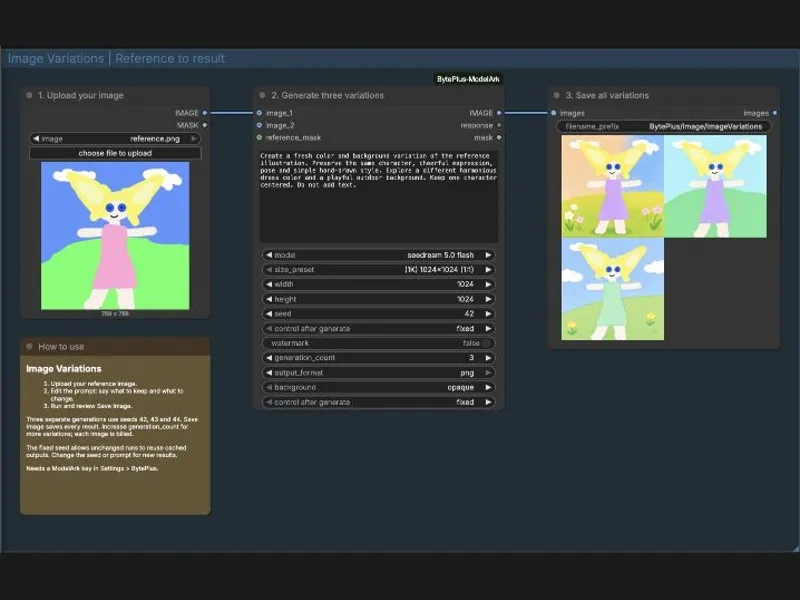
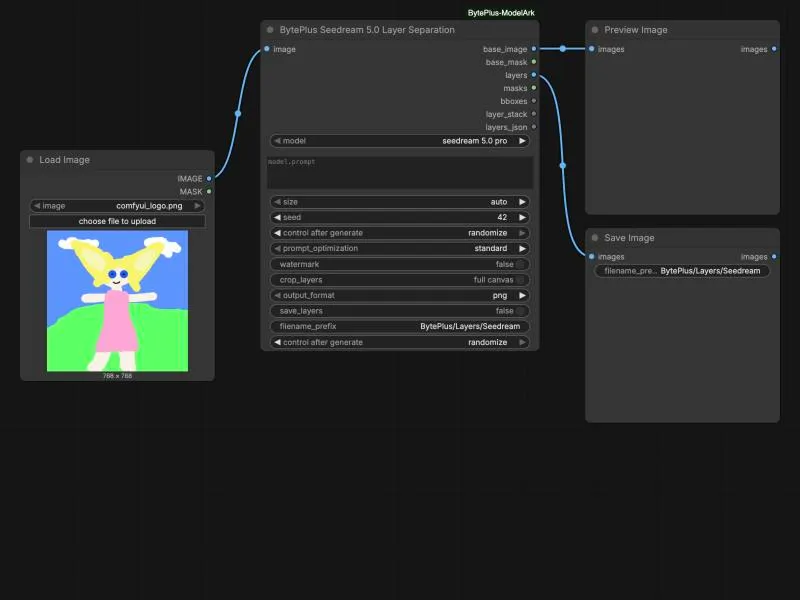
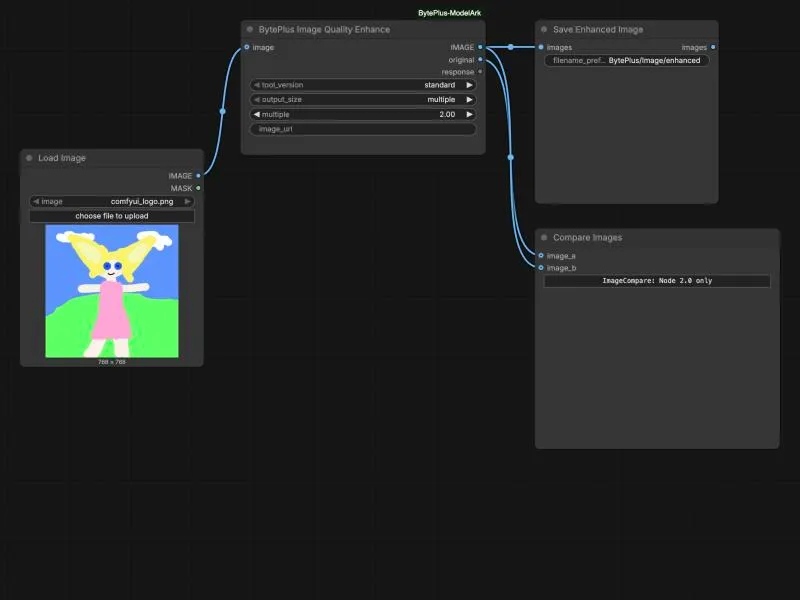
Production assets
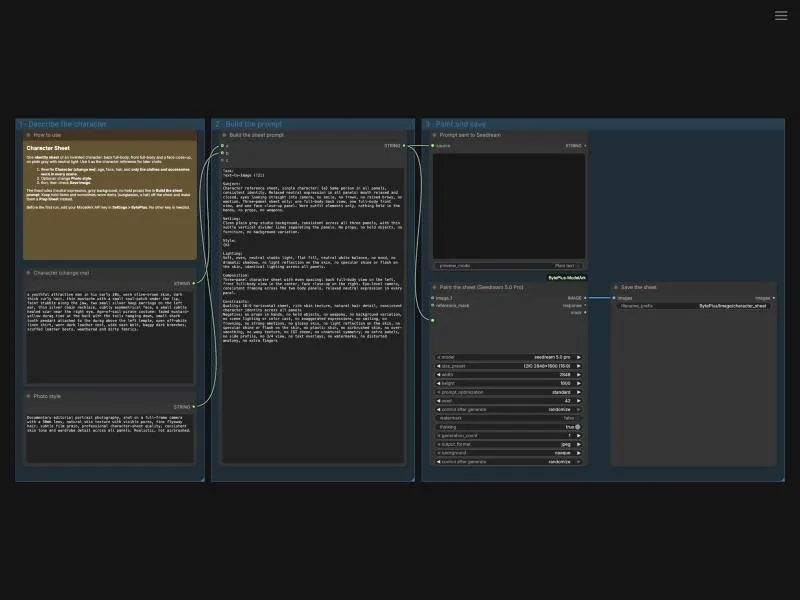
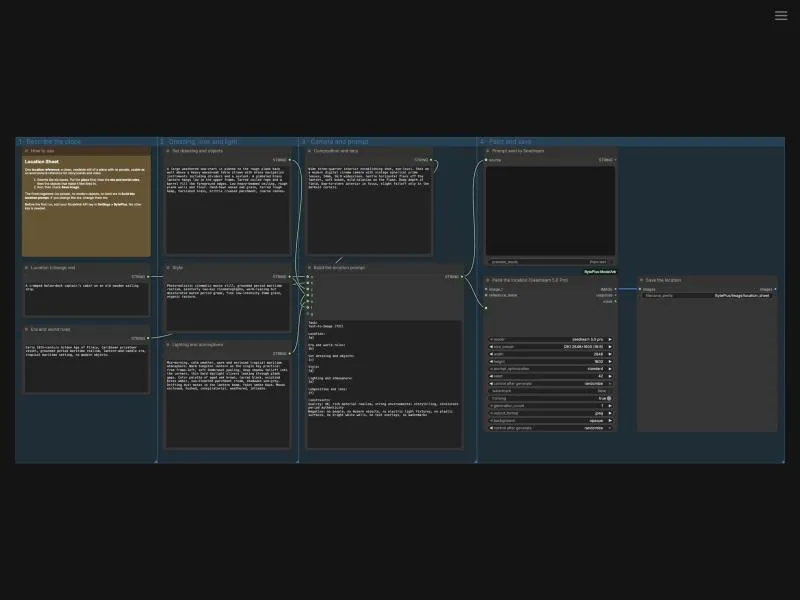
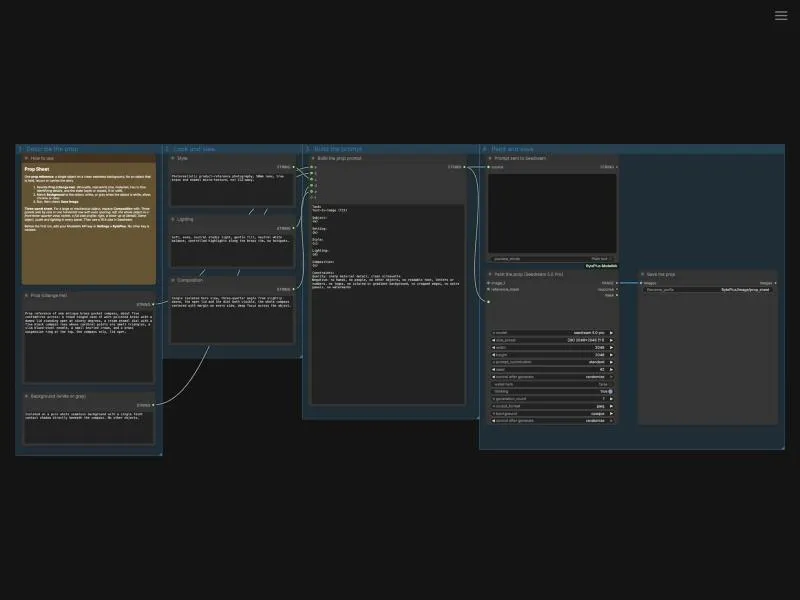
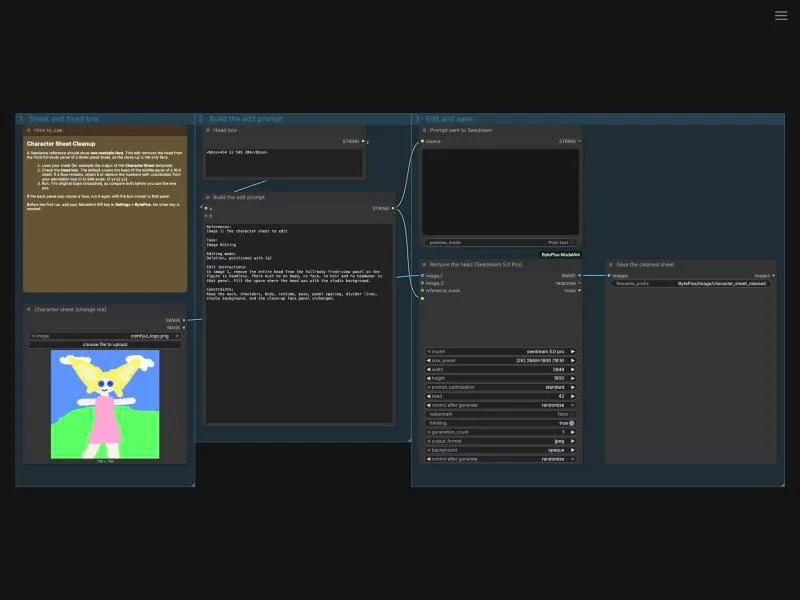
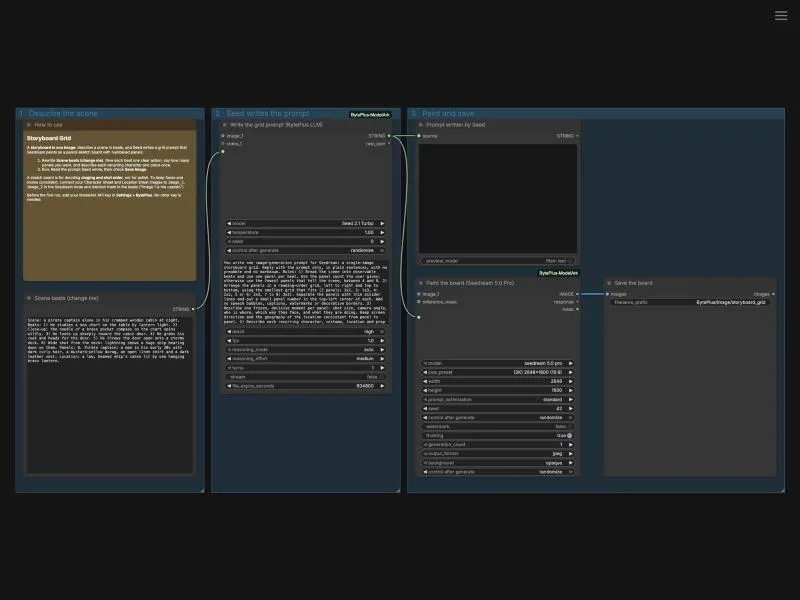
Section titled “Production assets”Reference images for a production: a character sheet, a location, a prop, a cleanup edit for the character sheet, and a storyboard grid. They use a fixed prompt scaffold, so you fill in a few text boxes and the rules for a good reference stay the same.
Seedance 2.5 features, video extension, looking up tasks, and video enhancement with AI MediaKit.
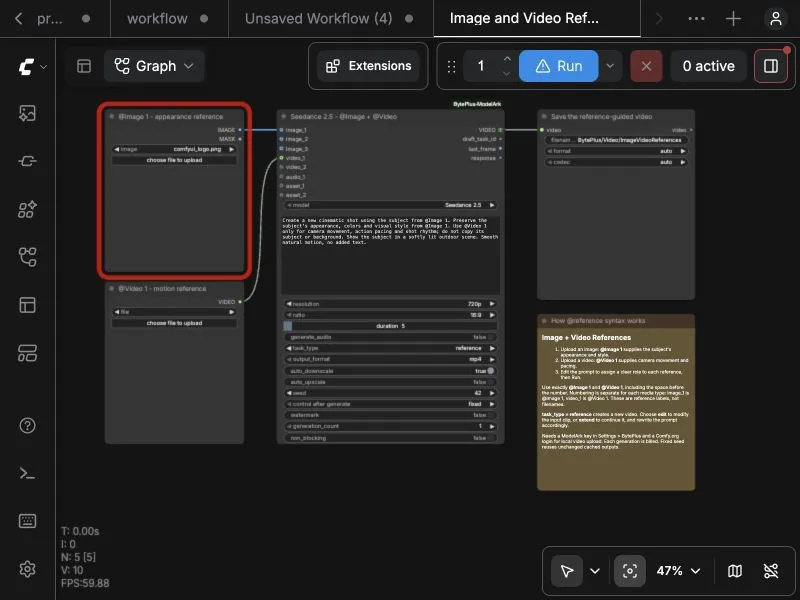 Image and Video References
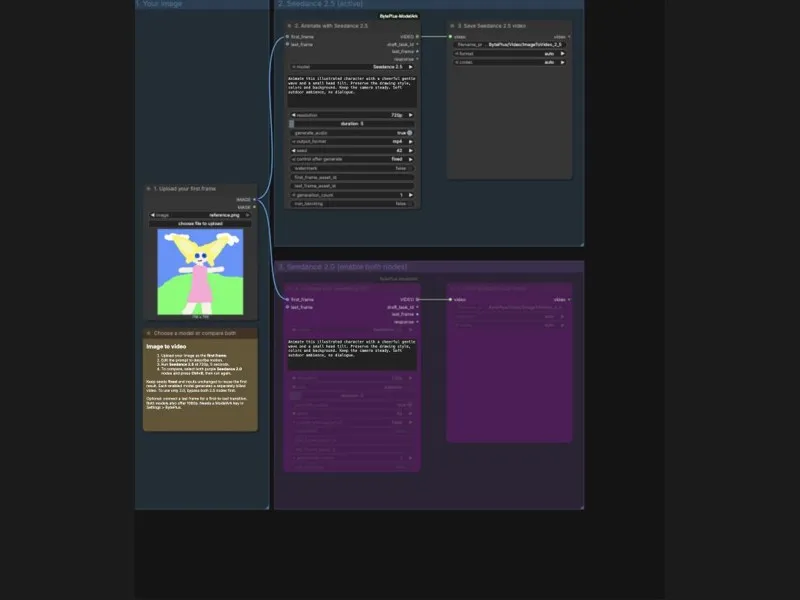 Image to Video - Seedance 2.5 and 2.0
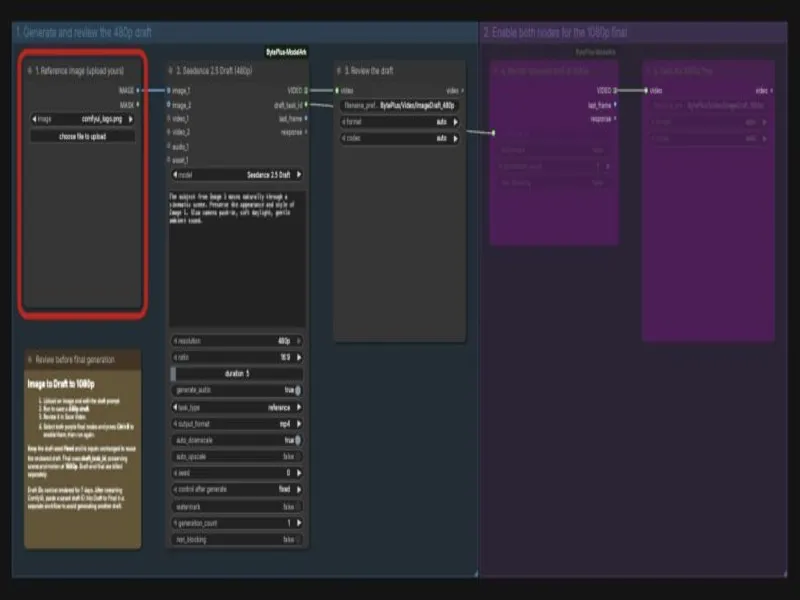 Image to Draft to 1080p
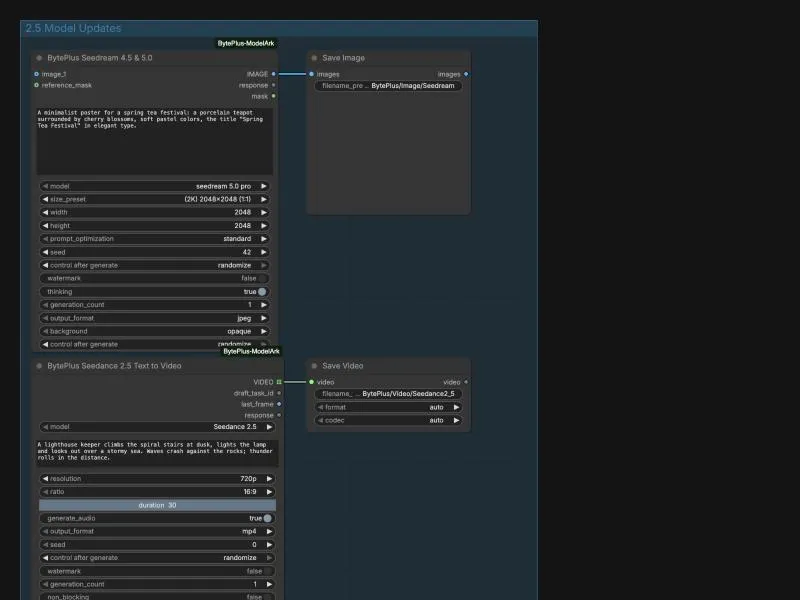 2.5 Model Updates
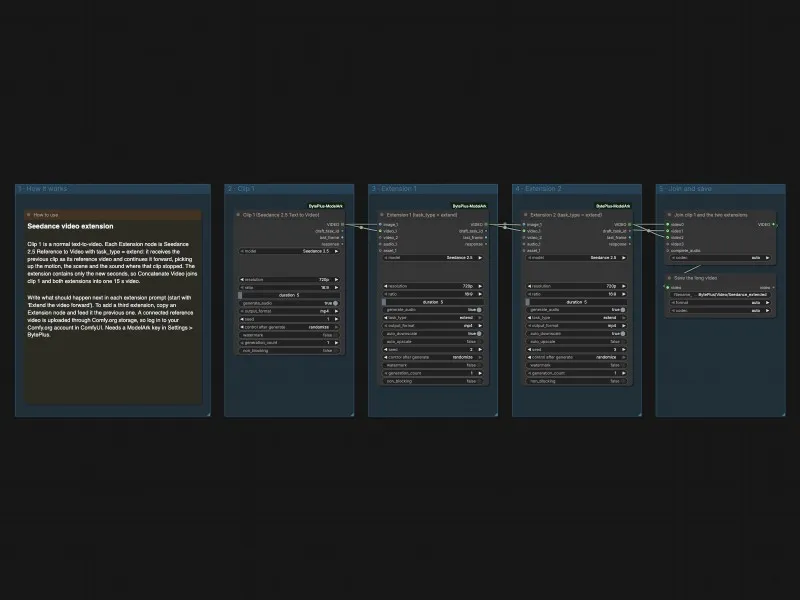 Seedance Video Extension
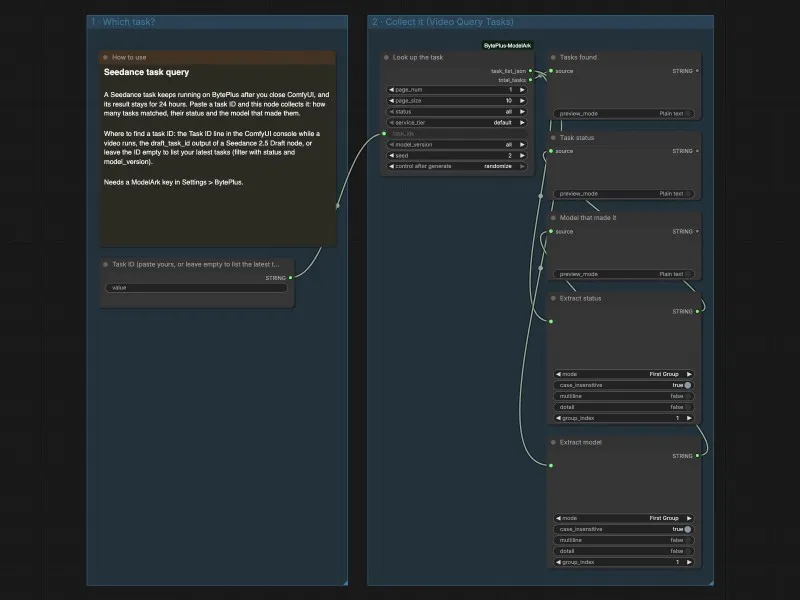 Seedance Task Query
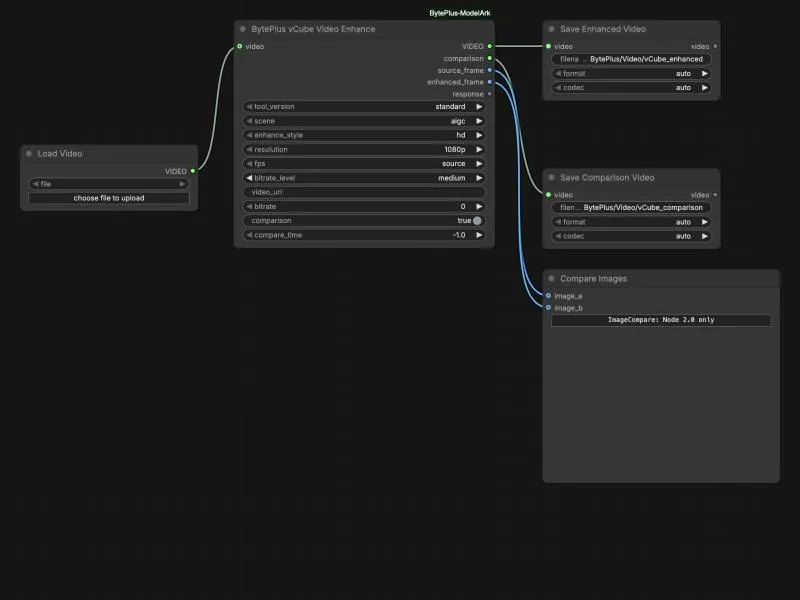 vCube Video Enhance
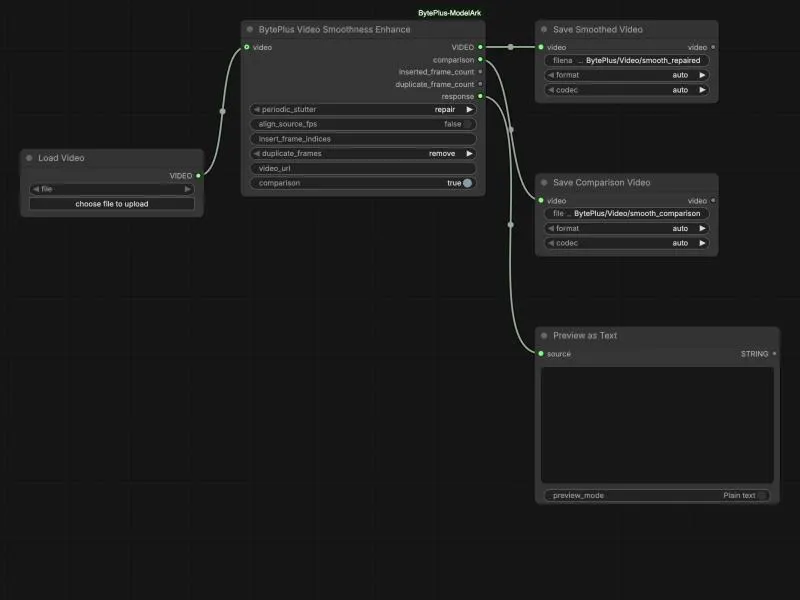 Video Smoothness Enhance
Language
Section titled “Language”The language model as a helper inside a larger workflow.
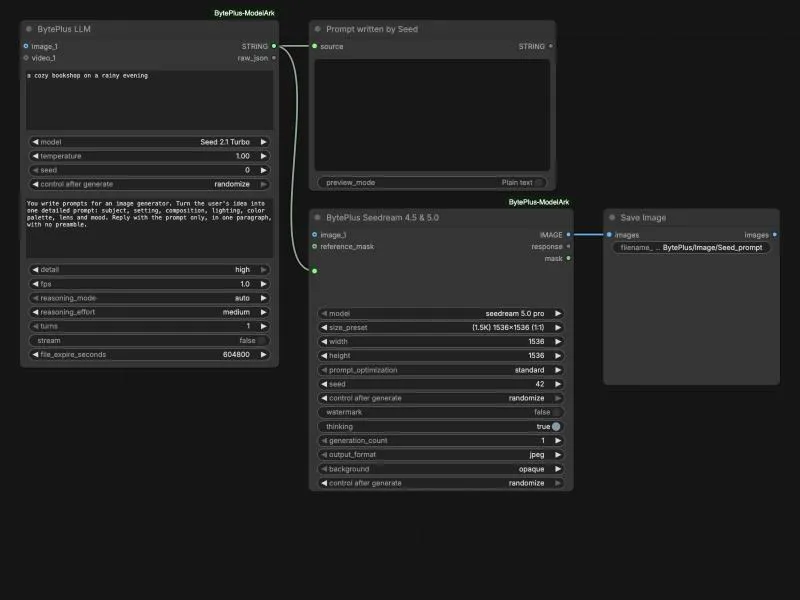
Speech
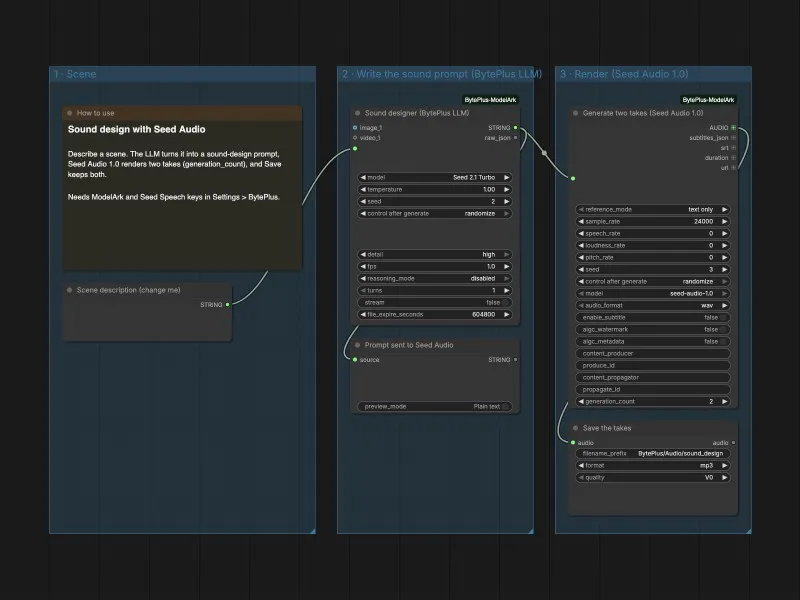
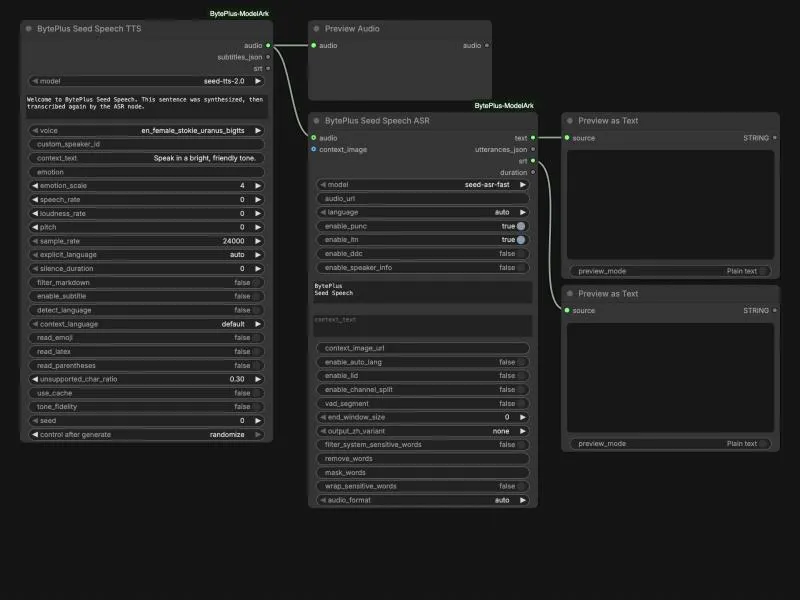
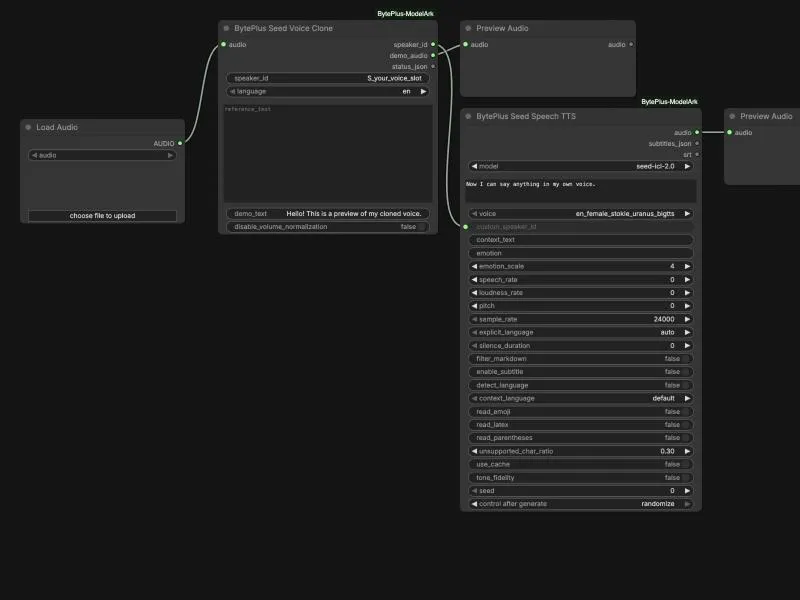
Section titled “Speech”Speech, music and sound effects with Seed Audio, plus Seed Speech TTS, ASR and voice cloning.
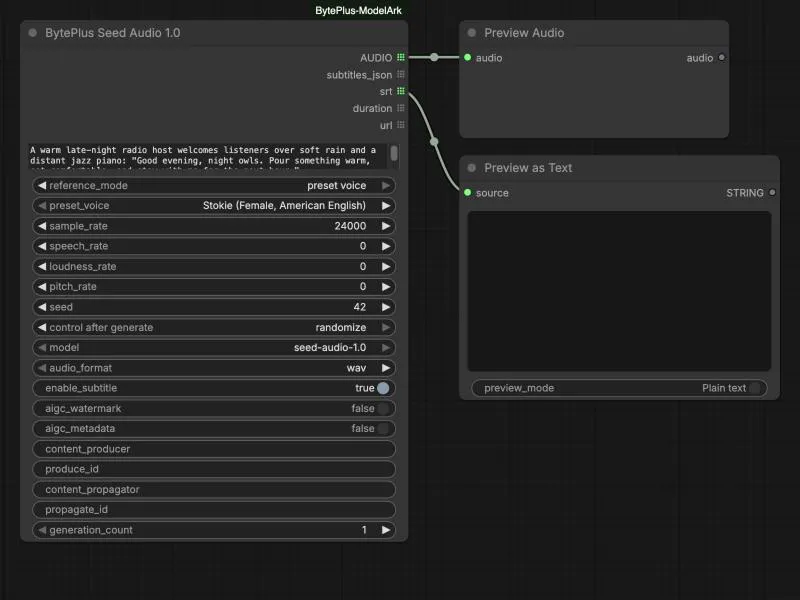
Assets
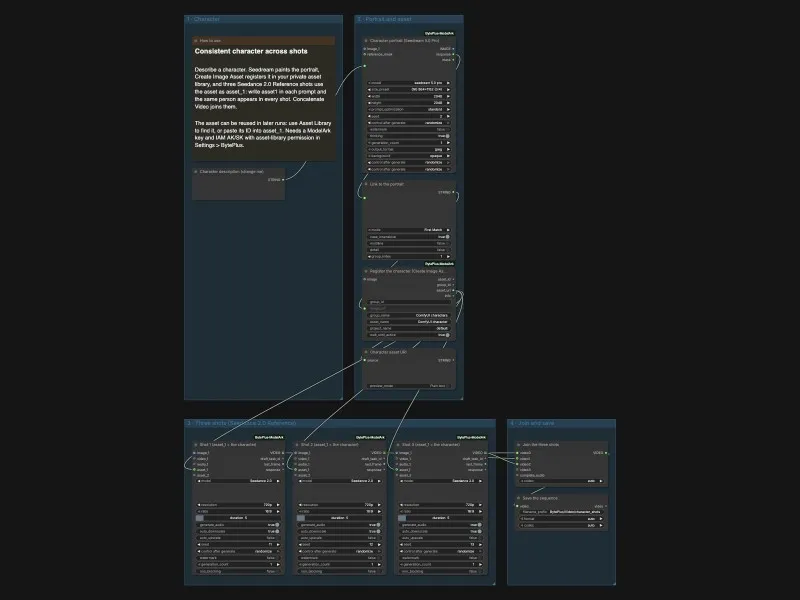
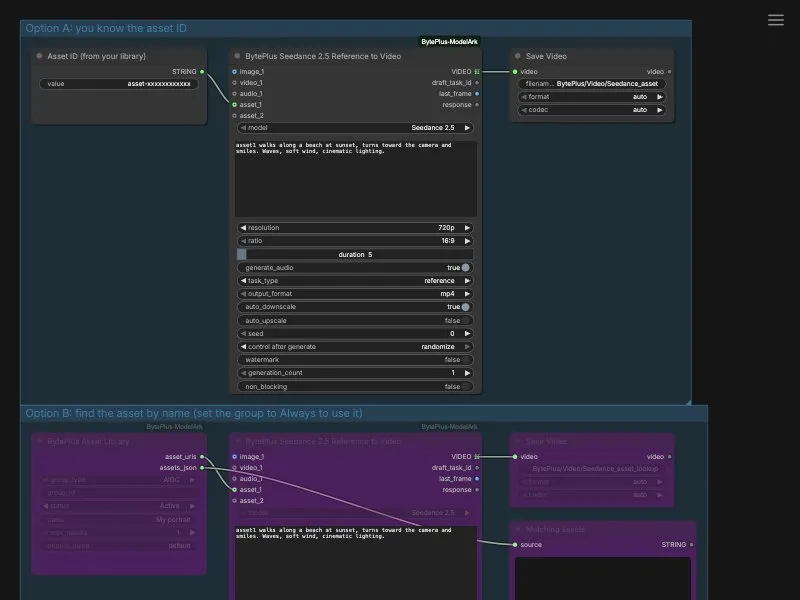
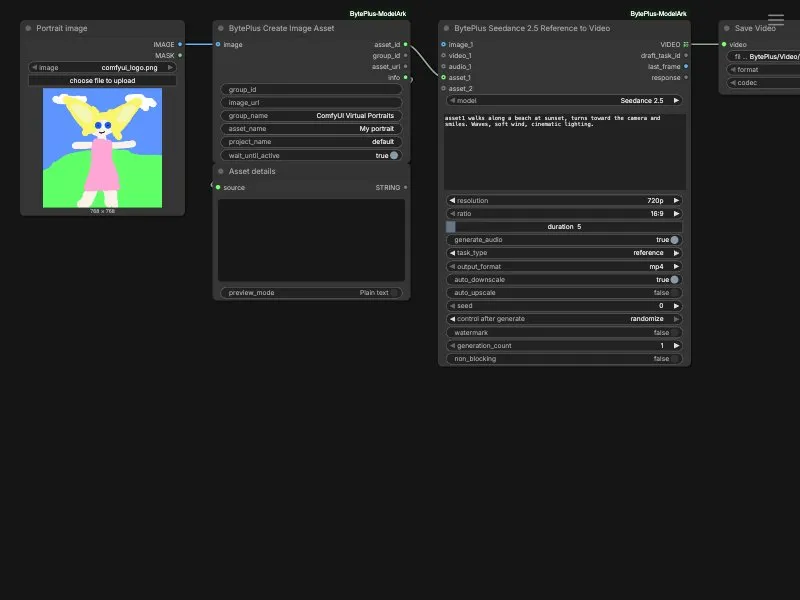
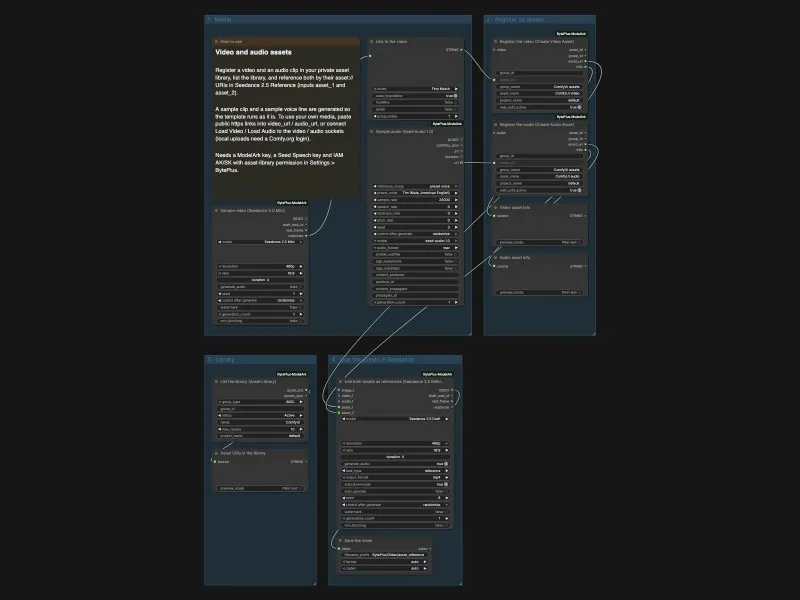
Section titled “Assets”Use a private asset library in Seedance. These templates need IAM keys and Advanced Creation Rights.
Showcase
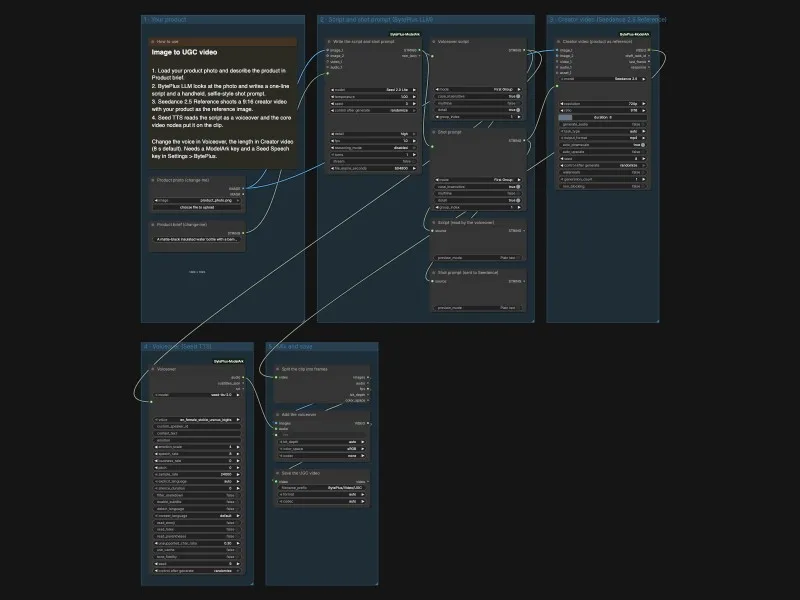
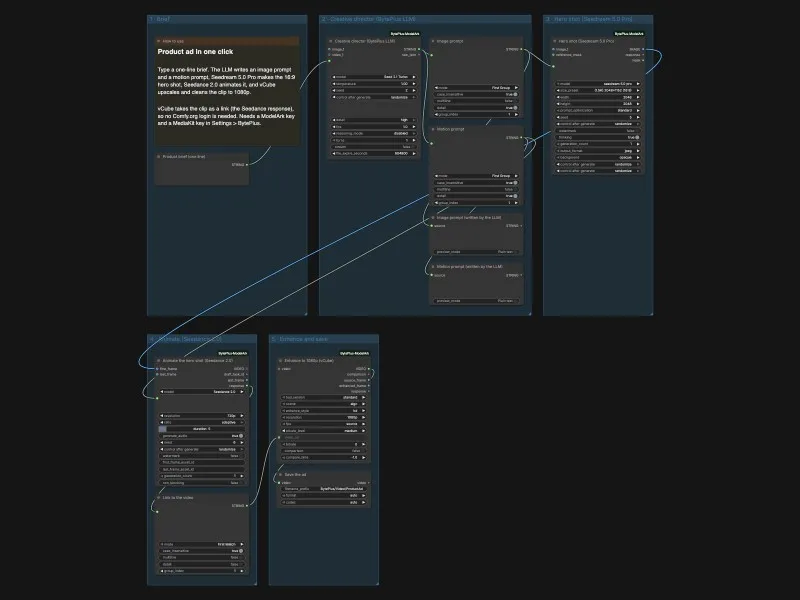
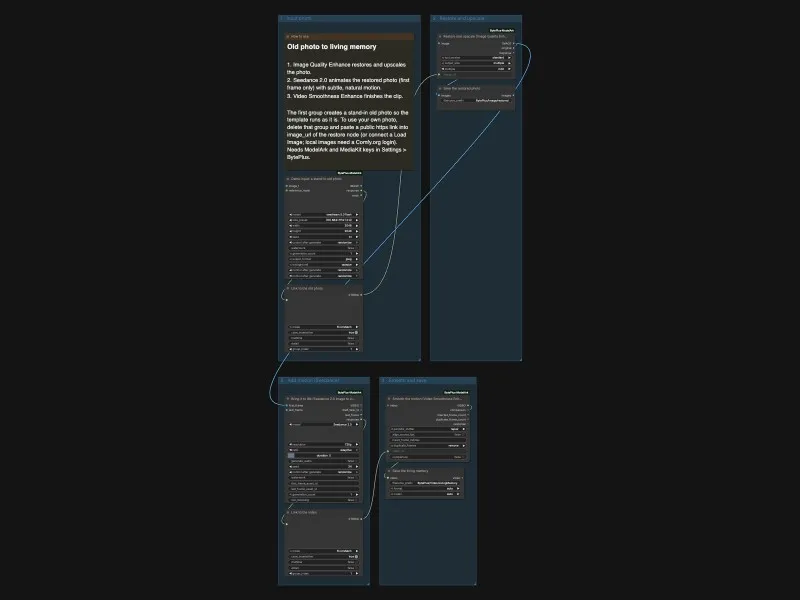
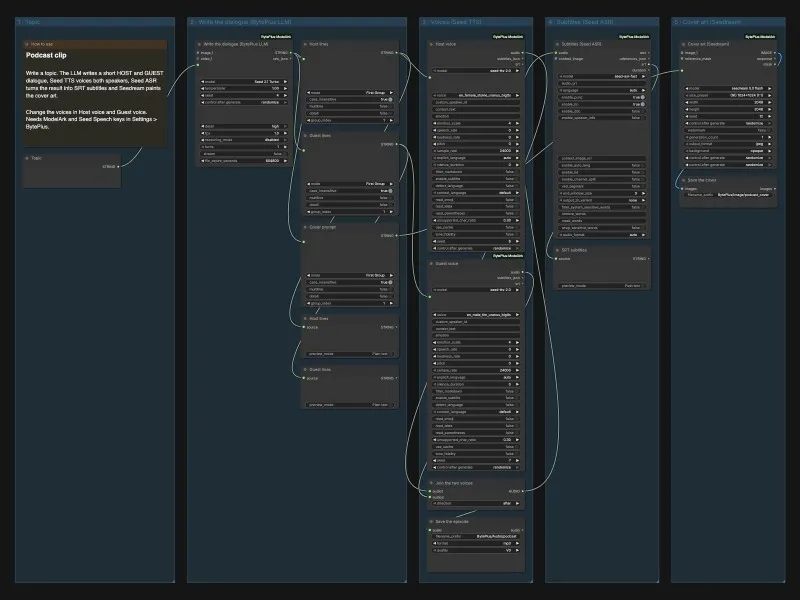
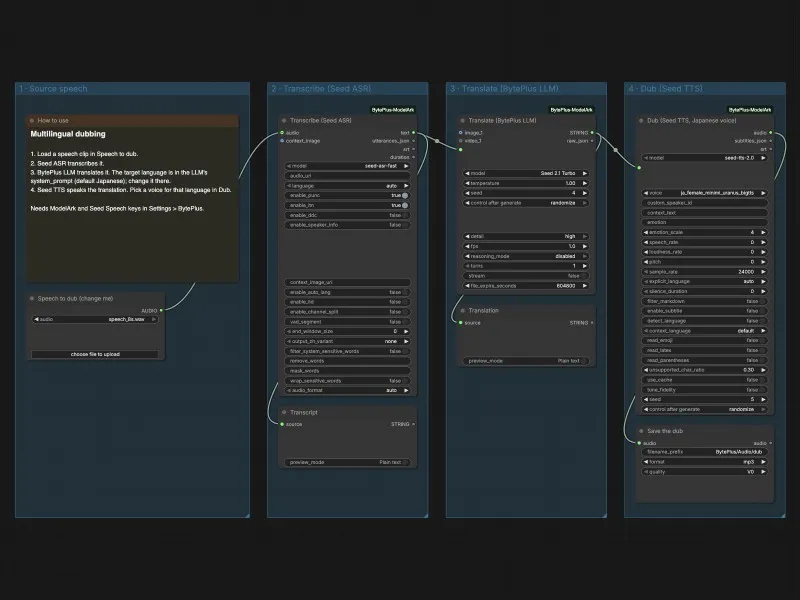
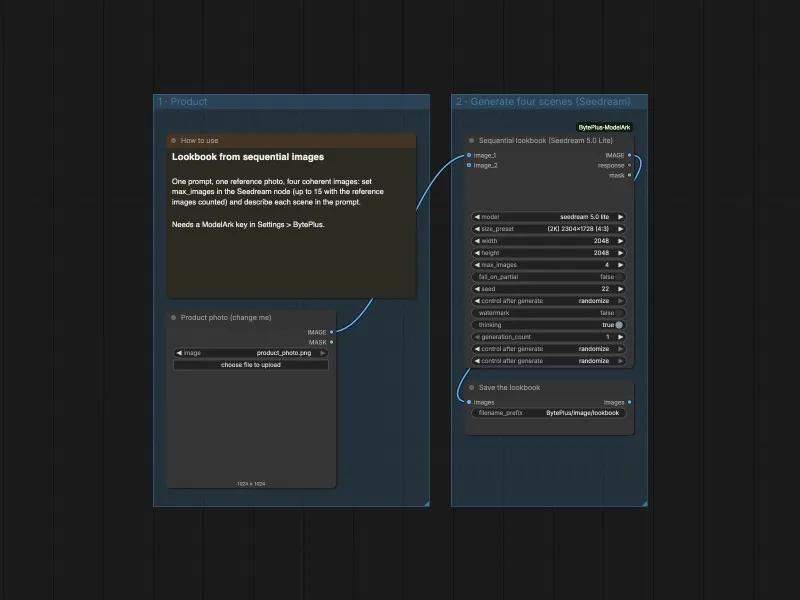
Section titled “Showcase”Longer pipelines that chain several services into one result, such as an ad, a podcast clip or a dubbed speech.